Zero 3 and CRM Integration: The Future of Business Communication

Zero3 and CRM integration is at the forefront of this transformative trend, redefining the way businesses communicate with their customers and manage relationships.
UNIVERGE BLUE CONNECT BRIDGE
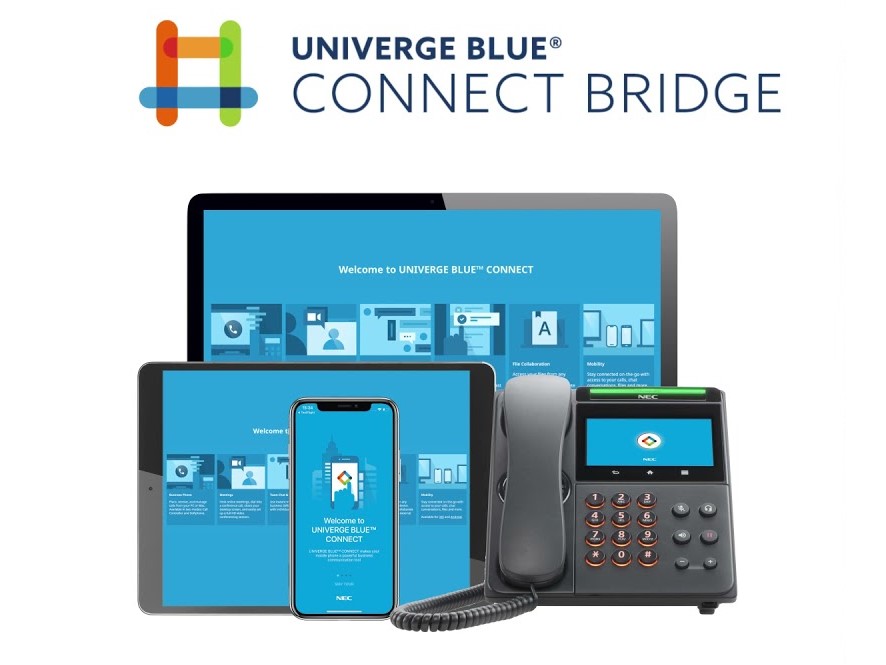
With UNIVERGE BLUE CONNECT BRIDGE, you extend your existing phone system, with cloud-based voice via desktop and mobile apps creating a seamless all-in-one communications experience.
Tutorial 47-02: “Managing Voicemail Settings”
Discover the essentials of managing voicemail settings on your NEC Phone System, including configuring greetings, notifications, and message forwarding for streamlined communication.
Tutorial 30-03: “Updating DSS Console Keys”
Gain proficiency in updating and configuring DSS console keys on your NEC Phone System, facilitating quick access to essential features and extensions.
Tutorial 22-04: “Setting Up Incoming Ring Groups”
Master the setup of incoming ring groups on your NEC Phone System to efficiently manage incoming calls, ensuring seamless distribution and responsiveness.
Tutorial 21-04: “Adjusting Outgoing Call Restrictions”
Learn how to modify outgoing call restrictions on your NEC Phone System to control and manage outgoing call privileges, enhancing security and cost-effectiveness.
Tutorial 15-07: “Function Key Updates Made Simple”
Learn how to effortlessly update and customize function keys on your NEC Phone System, empowering users with quick access to frequently used features and functionalities.
Tutorial 15-01: “Changing Extension Names Easily”
Explore the simple process of renaming extensions on your NEC Phone System, enabling easy identification and organization within your communication network.
Tutorial 13-04: “Speed Dialing & Call Blocking Basics”
Discover how to create speed dials for quick access and effectively block unwanted calls on your NEC Phone System, optimizing communication efficiency and security.
Tutorial 10-01: “Setting Time and Date Basics”
Learn the fundamental steps to accurately set the time and date on your NEC Phone System, ensuring synchronization and reliability.